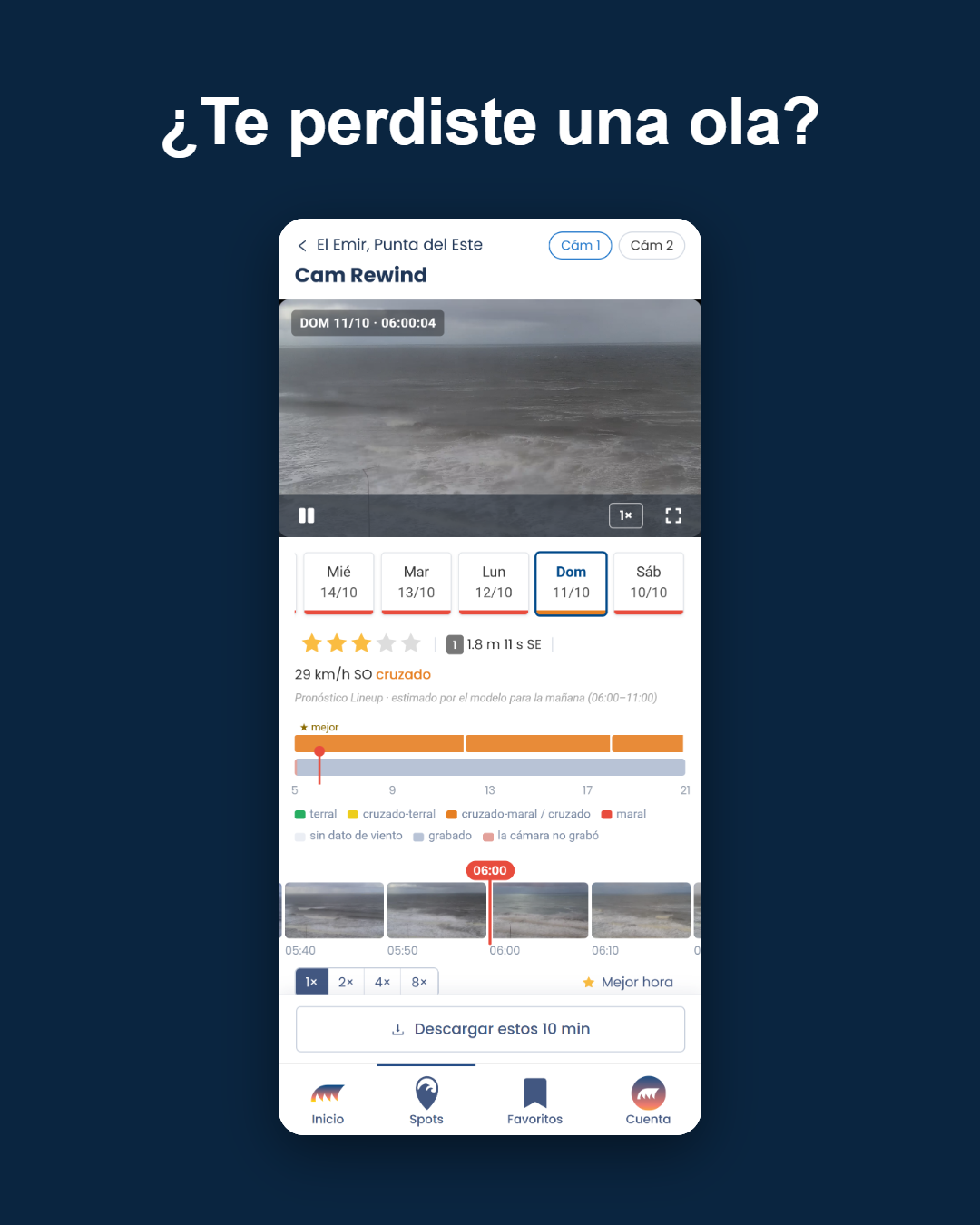




Until now, figuring out the best time to paddle out meant looking at three separate charts: one for the swell, one for the wind and one for the rating. And cross-referencing them in your head.
Not anymore. The spot page has changed, and here's what's new.
The whole forecast in a single grid
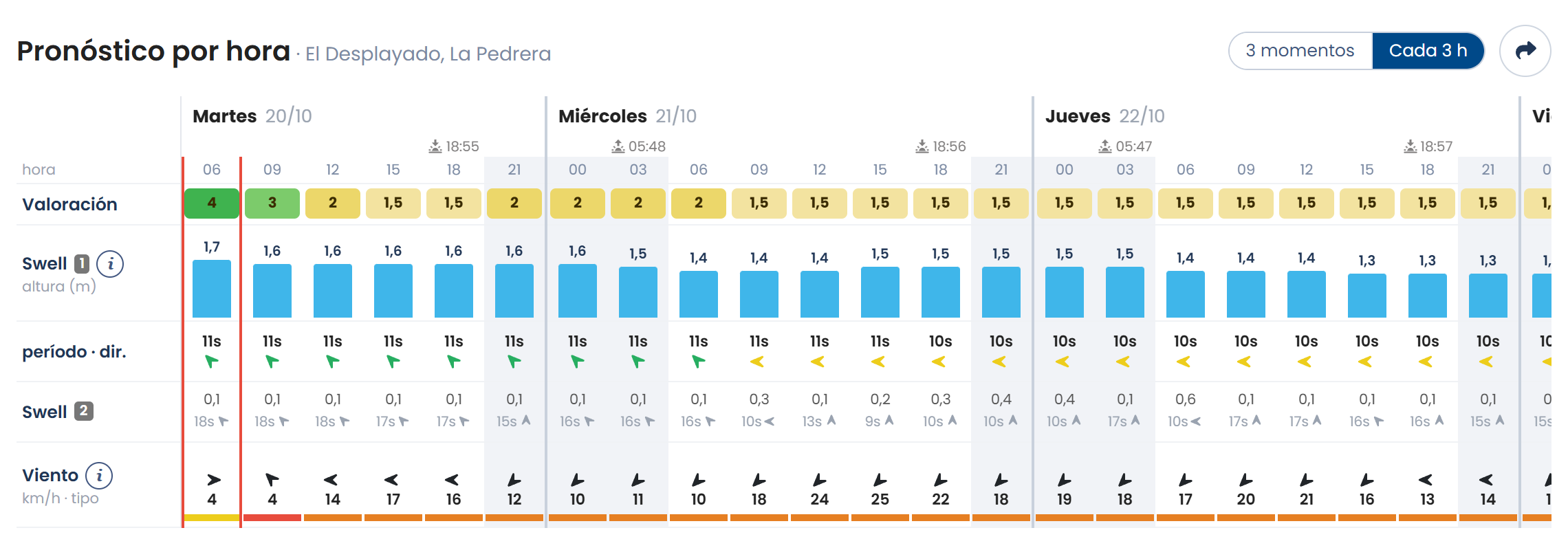
The three charts are now one grid: each column is a time of day, and in it you see the rating, the swell (height, period and direction), the secondary swell and the wind, color-coded by type, all together. The column with the red border is the current one, and nighttime hours are shaded, so you can see at a glance how much daylight you have left. Hover over or tap a column to open the details for that hour.
Sunrise and sunset
The "Local time" box is now called "Local time and sun": besides the time at the spot, it tells you when the sun rises and sets and how long there's light to surf. Sunrise and sunset also show up for each day in the table. And while we were at it, all times on the page switched to 24-hour format: you'll see 18:00 where it used to say 6 pm.
The 10-day table, collapsed
Today is shown in full. Each of the following days comes on a single line with its best time, plus the swell and wind for that hour; if you're interested, tap "See hours" and it expands. Nighttime hours are grouped in a row that opens separately.
Share the forecast
Next to the grid's title there's a new button: it creates an image of the day you're looking at, with the best time highlighted, ready to send on WhatsApp or post to a story.
What does each plan get?
- Free: 3 times per day (06, 12 and 18 h) and the first 3 days.
- Premium: every 3 hours and every day of the forecast.
Both grids (the hourly forecast and the table) remember the level of detail you chose in that browser.
Head to your spot's page and check out the new look.